MonoGame, the order of things!

· 11 min read

Source code on GitHub

TL;DR -> It is as simple as Initialize, LoadContent, Update, Draw, UnloadContent and finish, with a little sauce in between.

Every Game, Program or process runs on a specific loop, it might go through just once, or as is in the case with Games, the loop continues until the game is over, finished, kaput, crashed or simply closed (but who really wants a Game to ever end :D). Put simply, this is known as the Game loop, and whether it is Unity, Unreal or MonoGame, they all have their own specific order of things.
Going cross-platform with MonoGame

· 16 min read

Source code on GitHub

TL;DR -> Today, cross-platform projects are easy to setup (except UWP), with .NET7, it gets easier. Read the article for the How-to!

Most Game projects when built are solely for a single platform, usually the same as the development machine they are being built upon. Only later does the idea surface to maybe ship to another console, handheld or platform which then highlights issues in the game's implementation that can lead to problems.

MonoGame roundup for 2023

· 12 min read

Source code on GitHub

TL;DR -> MonoGame rocks and continues to be one of the best open-source frameworks for building games.

Making games is hard enough (or the most fun you will ever have) without the worry of the Framework or Engine you use either being cancelled or changing the terms of its use in the future, which can provide uncertainty for the years of effort you put into making your dream a reality that everyone can play.

Using Azure Pipelines with Unity

· 16 min read

Azure Pipelines intro

Similar to GitHub Actions, Azure can automate the building / testing and deploying of your Unity solution. It is true, that Microsoft is on a journey to migrate all build automation to GitHub to offer a more accessible way for developers to automate their project, however, there are a few notable exceptions and capabilities that are still far superior in Azure Devops currently that are worth exploring, namely:

Using Github Actions with Unity

· 11 min read

Github Actions intro

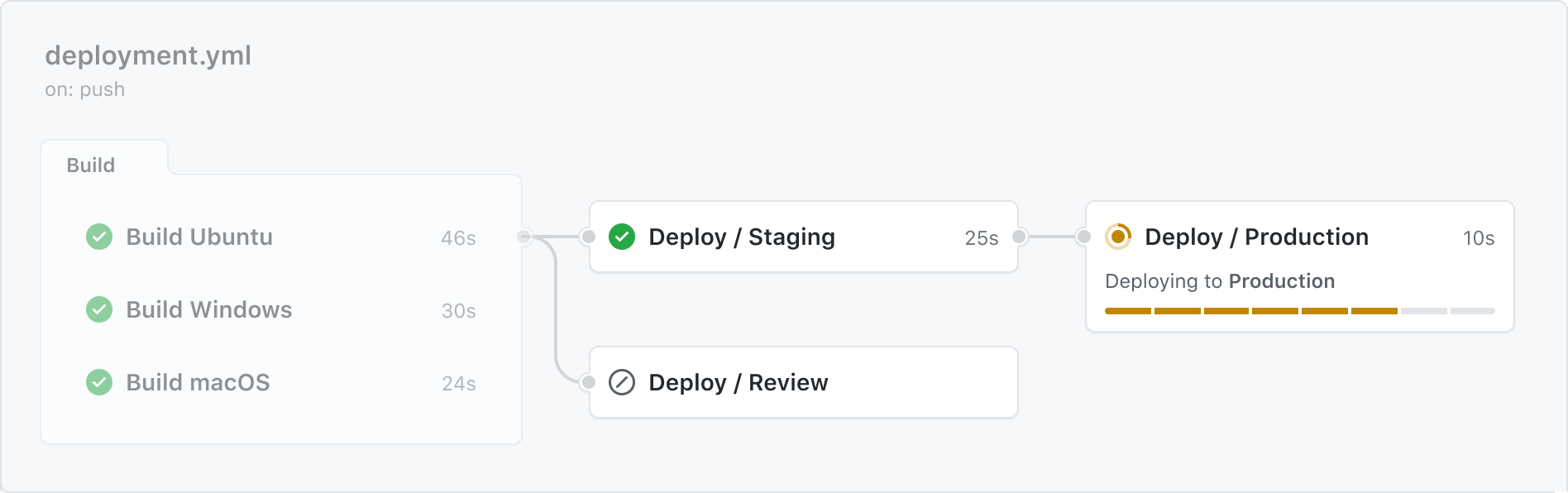
GitHub actions offers the power of Azure automation but in a far simpler and easy-to-use package, reducing the requirements and setup needed to get your automation off the ground. There are some things Azure still does better but for the most part, GitHub provides a wealthy estate of information and "out of the box" solutions for automating almost any workflow.

Getting started with blogging using GitHub pages and Jekyll

· 12 min read

Source code on GitHub

Finding somewhere to post your content, be it pages, blogs or material can be a tough decision these days. There are many options, most of which require you to pay upfront to use the service, while others lure you in with a free trial hoping that you will stay after the amount of effort you have put in to get things set-up.