A life-size body in the room. Touch any part and it explains itself.
A studio-built design study: a full adult reference anatomy at life size, selectable and dissectable, drawn at frame rate on a standalone headset from a dataset several times over its budget.
What it is and how it was delivered.
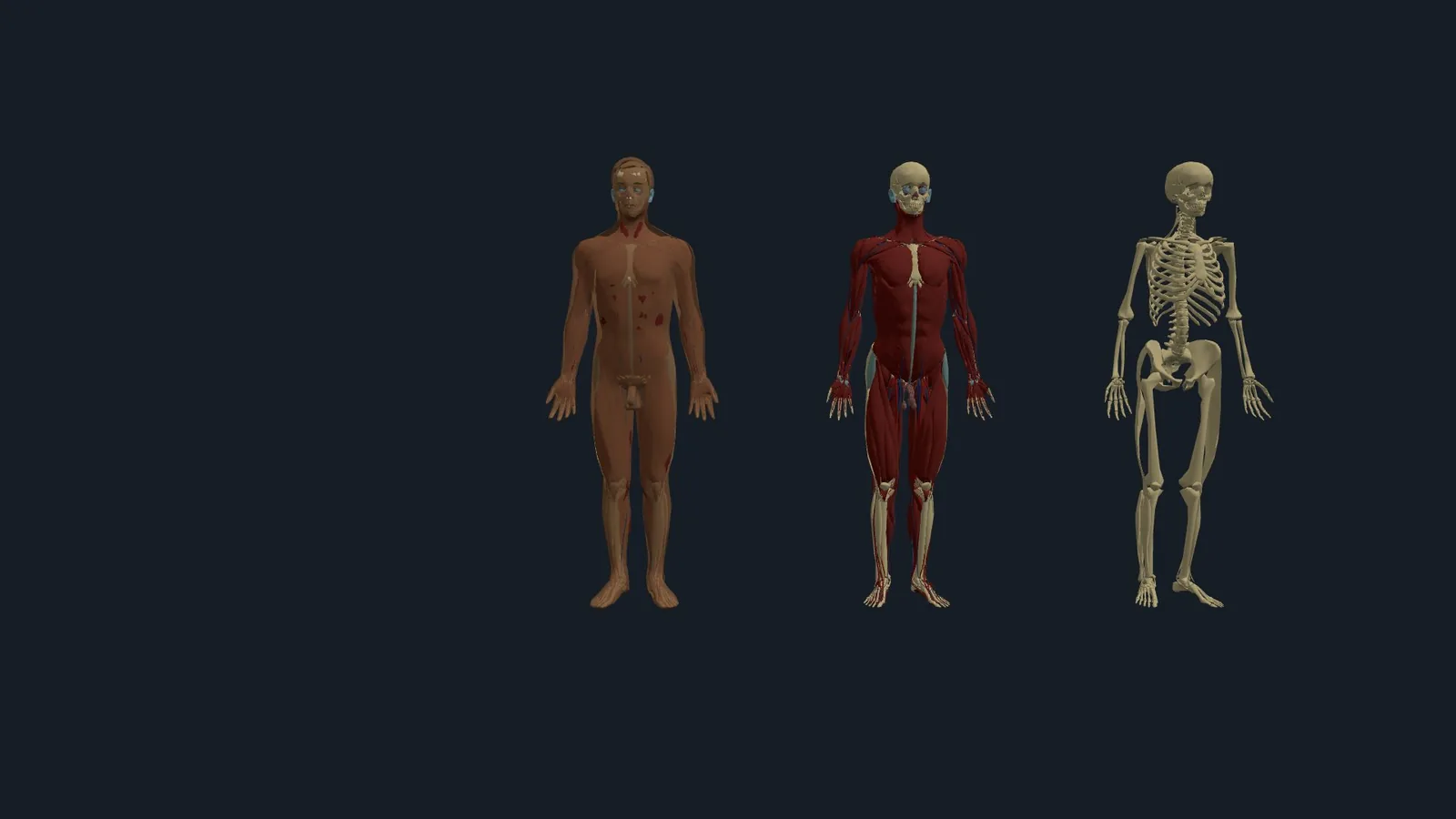
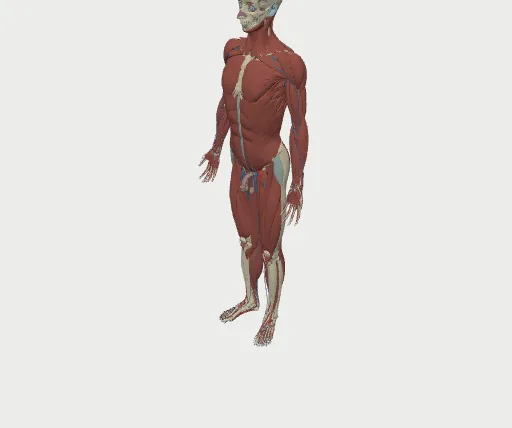
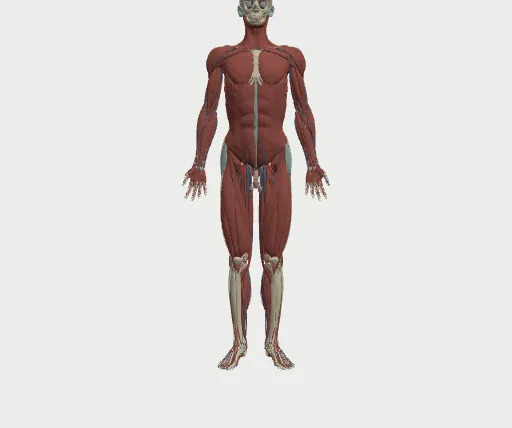
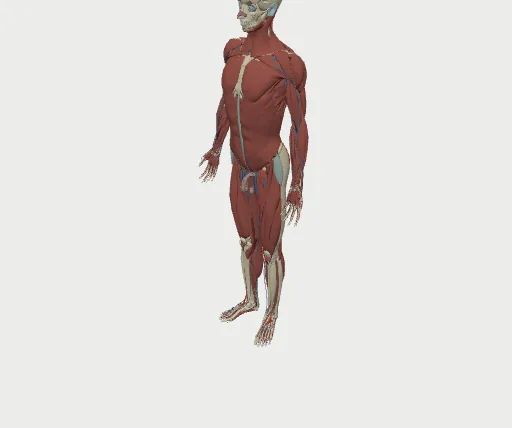
The wearer stands in front of a full adult reference anatomy at life size. Systems and layers switch on and off, any part can be picked with a controller, a hand or a mouse, and an information card explains it. The body starts in virtual reality and places into the real room with a tap.
Built by ZenithMoon Studios as a design study, to answer one question: can a dataset several times over a standalone headset’s budget run there, repeatably and with evidence? The answer is the pipeline as much as the client: every stage gated and inspectable, verified on the desk and again on the device. It exists to show medical education, museum and heavy-3D teams what the studio can bring to their own content.
- Life-size and dissectableA full adult reference anatomy in the room, with systems and layers that switch on and off and any part explained on touch.
- Millions of triangles inside a headset budgetError-bounded levels of detail hold a stereo frame rate on a standalone headset from a dataset several times over its budget.
- A pipeline with eyes on every stageEvery stage is inspected, gated and signed off before anything reaches a headset.
- Not tied to anatomyThe same pipeline takes any heavy mesh set, from a museum scan to a CAD model.
Open it yourself.
Deployed by continuous integration on every release, so the link always carries the current build.
- Open the client →anatomy-atlas-client.pages.dev
The body in the room. Open on a headset browser for VR and AR, or on a desktop for the flat view.
As it looks.
Captured from the running system.
What it set out to do.
- 01Put a reference anatomy in the room at life size, selectable and dissectable, that a learner can walk around.
- 02Explain every part touched, with the source attribution kept on every card.
- 03Hold a stereo frame rate on a standalone headset from a dataset several times over its budget.
- 04Make asset preparation repeatable, inspectable and signed off, so optimisation never becomes an unrenderable mess.
- 05Start in virtual reality, move into the real room, and stay where it was placed.
What it does.
A life-size, selectable body
Systems and layer presets, search on the desk and browse in the headset. Three bodies side by side, each with its own layers.
Pick and explain
Ray picking from mouse, controllers or hands. An information card for the part under the pointer, with source attribution on every card.
Handle it with two hands
Scale and turn the body with two hands, then tap to place it in the real room and anchor it there.
Spatial windows
Five windows for layers, search, information, settings and log, laid out around the body rather than on a flat screen.
The asset pipeline
Repair, index order, error-bounded levels of detail, derived data, bundling, verification and publishing. Every stage is cached, gated and quarantined, with a report that names what passed, what warned and what fell back.
See every stage
A desktop viewer shows any asset at any stage next to the stage before, with a level-of-detail ladder, surface debugging and a pop test. Automated gates plus a recorded human sign-off.
A headset test harness
A headset test harness runs a battery and posts results back to the desk. On-device log lines stream to a local console so a session can be read without a debugger.
Source meshes to headset, with eyes on every stage.
The pipeline was built end to end first, then verified stage by stage with a viewer at every step.
- Source meshesReference anatomy, millions of triangles
- PipelineRepair, order, levels of detail, bundle, verify
- Desktop viewerAny asset, any stage, recorded sign-off
- Published bundleImmutable, versioned, budgeted
- Headset clientThe body in the room, plus a test harness
A failing gate quarantines the asset and passes the previous stage forward, marked as a fallback, so one bad part never stops a run. A failing budget does.
What it delivers.
Capabilities and measurements only.
Several times over budget, brought inside it
Welding the source meshes before simplifying cut the same-quality triangle count by more than a third. Error-bounded tiers bring the far view to a tenth of the source.
Same quality, 38% fewer trianglesThe whole body through the pipeline in half a minute
Each stage is cached by its input, version and parameters, so a change re-runs only that stage and its successors.
Stage cache, quarantine, reportA pipeline that is not tied to anatomy
Recipes, not code. Any mesh set with the same shape of problem runs through the same stages.
Recipe-driven, source-agnosticA record for every run
One folder per collection run: tests, the pipeline report, per-stage snapshots and device results.
Automated gates plus human sign-offWhere this sits in the practice.
The practice pages that describe the offers behind it.
More to see.
See it running.
The client is published and opens in a headset browser. A guided session can be arranged by email.